Tag: Polar Bear Helps

  • New languages

    We’re preparing translations into new languages, and in the meantime we’re collecting ideas about which completely useless language we should add to Polar Bear Helps. Once we gather enough suggestions, we’ll publish a poll.

    Current candidates:

    • Yautja language
    • Dolphin language
    • Huttese
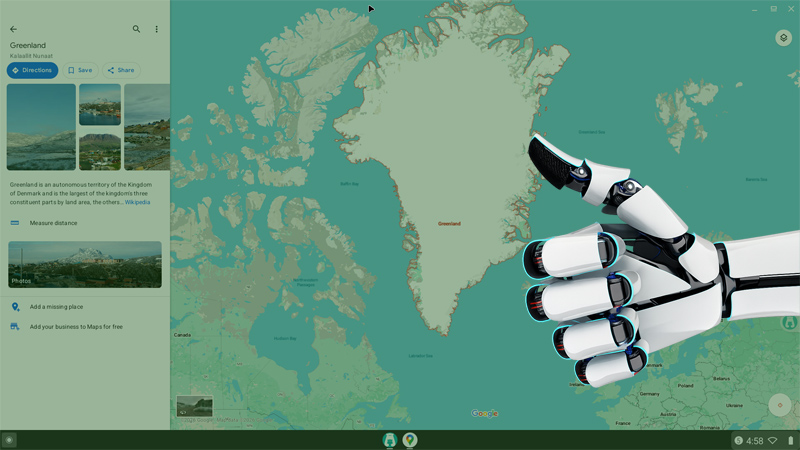
    • Astrodroid language
    • The zero‑one Matrix code language
    • High Valyrian

    And yes — we’re looking for a language that absolutely nobody needs, not even its creators.

    If you have your own proposal for this language – let us know. The more absurd, the better.

  • Preparing Polar Bear Helps for RTL Languages

    We’re beginning the process of translating Polar Bear Helps into RTL (right‑to‑left) languages. It’s another step toward greater accessibility and opening the app to new communities.

    If you use an RTL language in your daily life, feel free to leave a comment. I’d like to make sure the languages we add reflect what users actually need.

    A small step, but an important one for the project’s growth.

  • We Have Google’s Approval

    Polar Bear Helps has officially been approved for release on Google Play. A meaningful milestone — the moment when the project steps out of the testing phase and begins its own independent life.

    Thank you to everyone who helped me reach this point: testers, observers, quiet supporters, and those who shared precise, thoughtful feedback. Congratulations to us — this is a shared achievement.

    Polar Bear Helps is ready for its next chapter.

  • Invitation for Apple to Collaborate on the iOS Version of Polar Bear Helps

    Polar Bear Helps was created as a simple tool to soften the screen and reduce sensory overload. On Android this works naturally — the app can apply a filter across the entire system, giving users real relief no matter which app they are using.

    On iOS it’s different. Apps operate inside a sandbox, which means the filter can only cover the app itself, not the entire screen. Because of this limitation, I’m unable to bring Polar Bear Helps to the iPhone in a way that preserves its purpose and functionality.

    This post is therefore an open invitation to Apple. If there is a possibility of collaboration, a dedicated API, or an extension of existing accessibility features, I would be happy to adapt Polar Bear Helps for iOS so that iPhone users can benefit from it as well.

    It’s a small project with a clear goal: to help people who need a simple tool to calm the screen and regain control over sensory input.

    If Apple sees value in this — I’m ready to talk.

  • Brilliant Move under the Polar Bear Helps colors

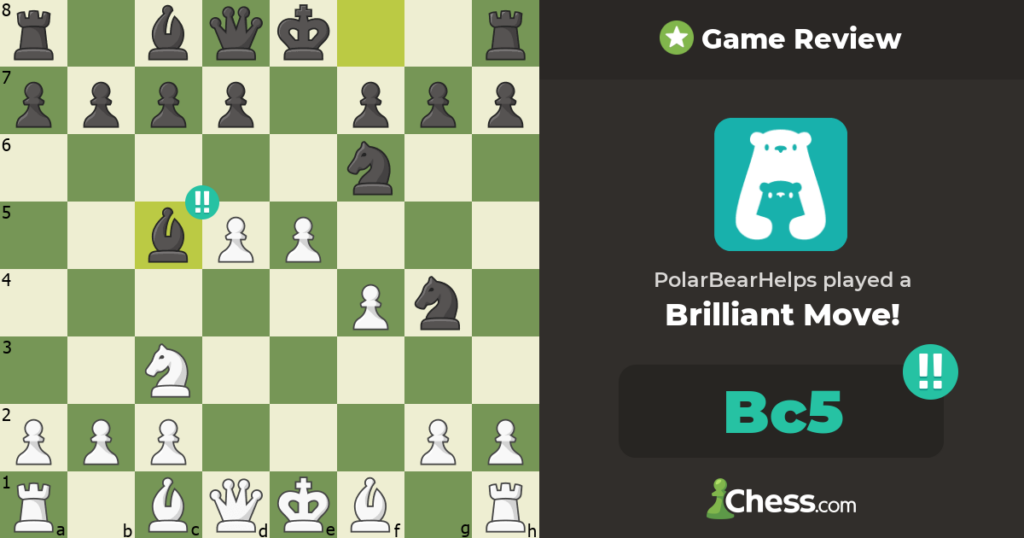
    Today I managed to score a Brilliant Move on Chess.com — and I did it under the Polar Bear Helps colors. A small moment, but a joyful one. It’s nice to see how even my chess routine starts to reflect the identity of the project.

    One‑person team or not, Polar Bear Helps is already on the board.
    It’s not exactly a hockey team — at least not yet — but who knows where this story goes.

  • App Submitted to Google Play — RTL Languages Next

    Today I submitted the publication request for the app to Google Play. This is an important milestone — the project is now moving from internal testing toward public availability.

    Once the review process is complete, the next step will be to add several RTL (right‑to‑left) languages. This will expand accessibility and prepare the app for a broader, more diverse audience.

    A small step forward, but a meaningful one.

  • Closed Testing Completed

    The closed testing phase of Polar Bear Helps has been completed. Thank you to all testers for your time, patience, and feedback — each insight helped refine the app before release.

    A small step, but an important one. Polar Bear Helps is ready to move forward.

  • We’re Planning to Create a Directory of Organizations That Support Digital Well‑Being

    The digital world is evolving faster than ever. More and more companies, organizations, and initiatives are beginning to recognize that technology should support people — not overwhelm them.
    This feels like the right moment to start noticing, documenting, and sharing these efforts.

    That’s why we’re planning to create a directory of organizations that support digital well‑being.

    Our goal is to gather examples of companies and projects that:

    • design technology in a human‑friendly way,
    • reduce informational noise,
    • respect the user’s attention,
    • prioritize cognitive ergonomics,
    • promote healthy digital habits.

    This won’t be a ranking or a list of “the best”.
    Instead, it will be a map of inspiration — a space where anyone can see that there are alternatives to technology designed solely to capture attention, time, and engagement.

    PBH was created from the same need: to build tools that work in the rhythm of the human mind, not against it.
    This directory will be a natural extension of that philosophy.

    We’ll share more details soon.

  • Yes! On Chromebook too!

    Polar Bear Helps is now available on Chromebooks that support accessibility services. If your device has Accessibility enabled, you can enjoy the same gentle visual filter as on Android — adjustable, comfortable, and fully local, with no personal or sensitive data collected or shared.”

  • PBH Privacy Policy Now Published

    We’re happy to announce that PBH (Polar Bear Helps) has officially published its Privacy Policy, effective March 28, 2026.
    True to PBH’s philosophy — help without invading privacy — the app is designed to work without accounts, registration, or personal data collection.

    PBH is safe because:

    • It does not collect personal data
    • It does not use ads, analytics, or profiling
    • It does not transmit any data externally
    • It works fully offline — no internet required
    • It uses Accessibility Services only to display the filter
    • It does not read text, record the screen, or monitor other apps

    PBH stores only basic settings locally on your device — such as whether the filter is enabled and the last selected filter strength.
    This data is removed automatically when you uninstall the app or clear its data.

    Privacy Policy – Polar Bear Helps